I asked Claude to build a music player while I cleaned my basement
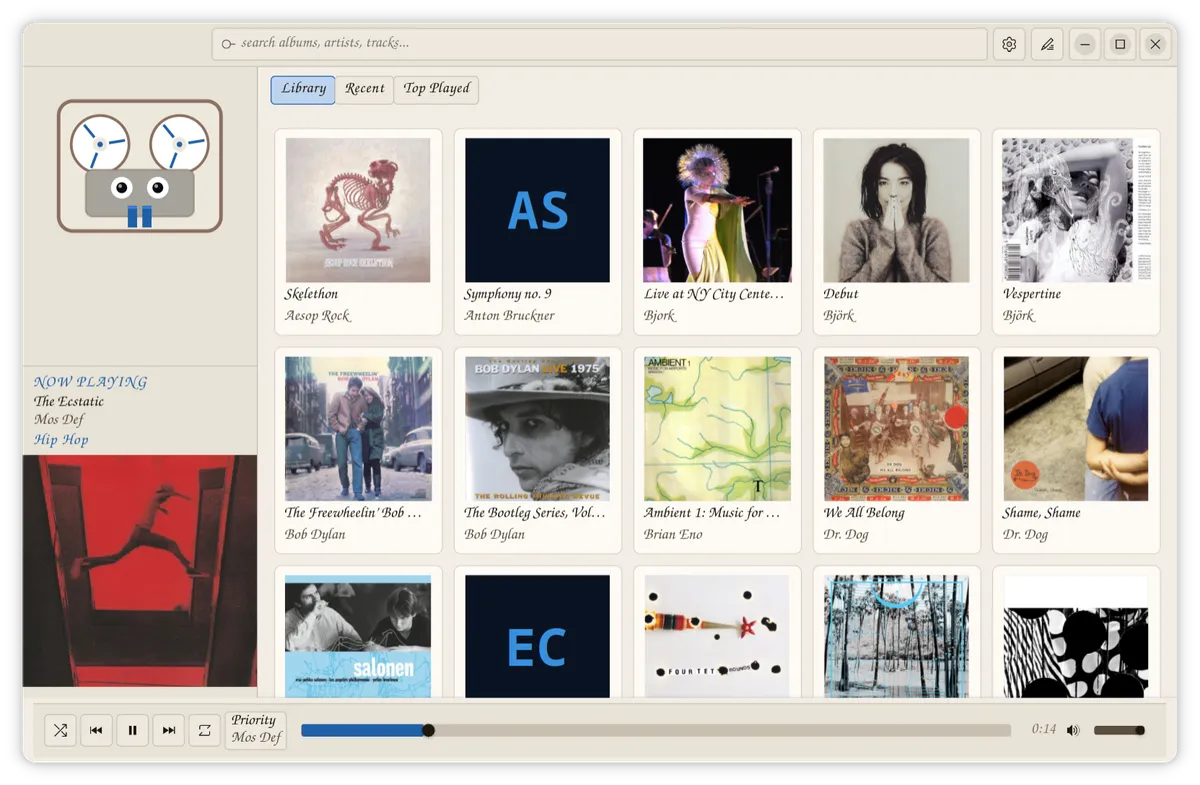
I have a large local music library. The folders are organized the way I want them. with cover art in the right places and everything on local storage.
The problem is music players. I only searched for about 10 minutes, but didn't find anything that looked like what I wanted, which was a local native app that looked nice and fun, with theme and font choice, and with a feature to write notes about albums and tracks.
I listen to a lot of records where I want to write something down: what I think about an album, what this song reminds me of, something about the recording I want to remember. I'd been keeping these in Obsidian or similar, but having the notes right with the music is better.
After searching online a little bit, I thought: I could probably just vibe code this! So I described what I wanted to Claude Code and asked it to build one while I cleaned my basement. It is called Open Reel.
What I asked for
A player that:
- Runs natively on Linux
- Loads fast and scans local folders
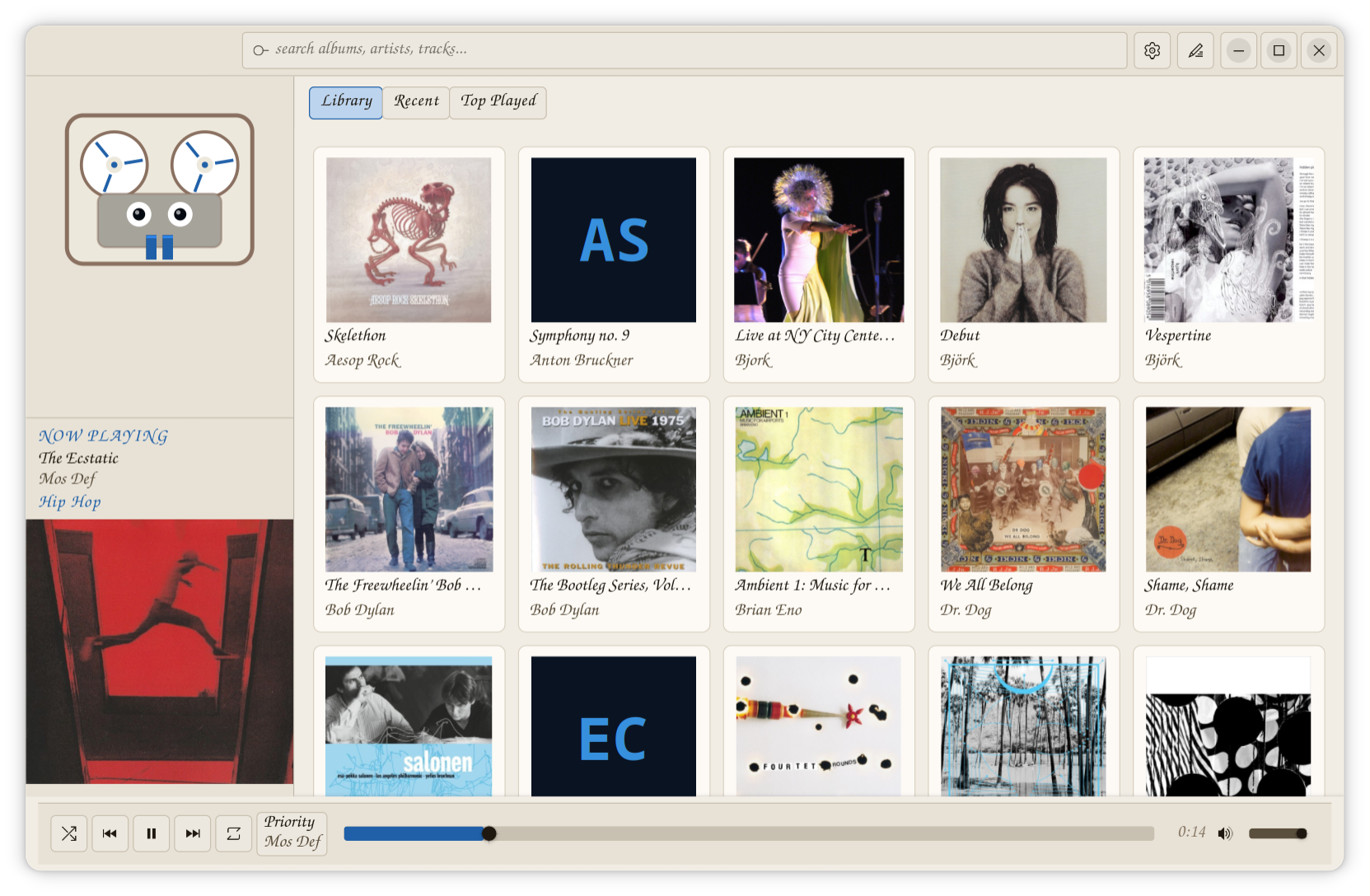
- Shows albums as a grid with cover art
- Has real search
- Has per-album and per-track notes
- Never edits your music files
My folders are organized the way I want them and I often use musicbrainz Picard to find and embed the metadata for an album. So this app didn't need tag writing, renaming, and no moving things around.
How Open Reel organizes music
The app groups albums by folder, not by tag. A folder is an album. Every file in that folder belongs to that album, regardless of what any tagger has decided. This matches how my library is organized and keeps the display stable even when tags are inconsistent across rips. I did this because sometimes the metadata for an album puts 1 song way off into its own album - even when it is in a folder with all the other songs on that album. Annoying.
Tags are still read for track titles, artists, genre, and track order. Just not used to group albums.
The notes
Click the notes icon in the header and a panel opens on the right side. There's an album note and a track note, separate. They autosave as plain `.md` files in `~/.local/share/openreel/notes/`, one per album and one per track.
For this there no more database, or proprietary format. They're just plain markdown text files that open in any editor, and will still be readable ten years from now.
To find the folder on your computer, open Open Reel's Settings and click "open folder" in the Notes section.
The mascot
I thought it would be friendly and fun to have an animated reel-to-reel deck mascot. And it is! It tracks your cursor, blinks, glances around when idle, and spins when music plays, with stereo meters for teeth.
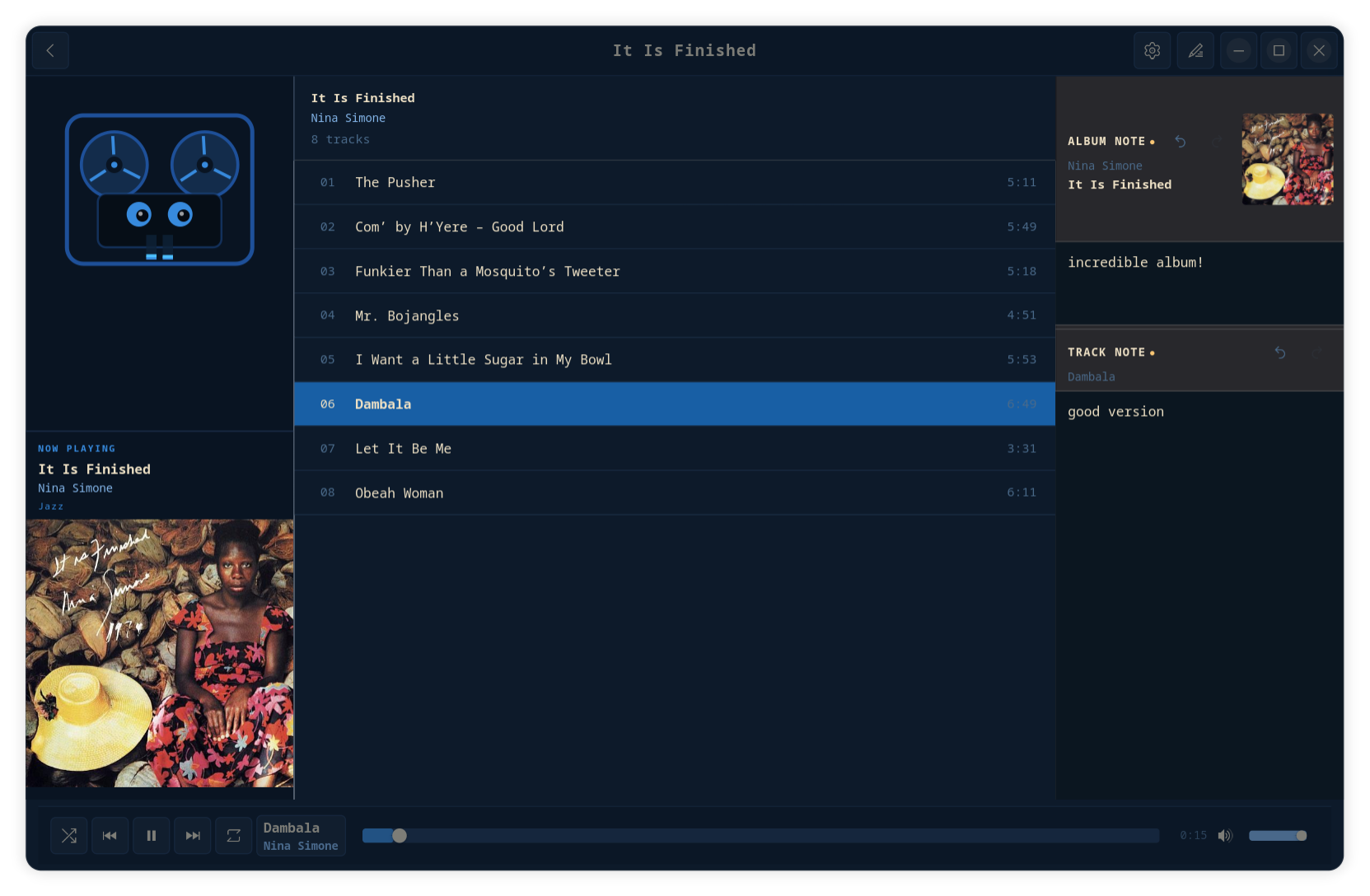
What Claude built and what I directed
I described the logic and what features I wanted and Claude wrote the code. I tested, said what wasn't right, described what I wanted instead and we iterated over the 45 minutes or so then few more changes over a couple days.
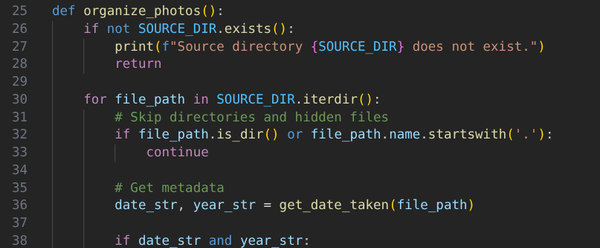
This is the same dynamic as the photo-sorting script I wrote about in April: I described what I wanted, Claude generated the backbone, I adjusted for my specific setup. This one was larger: the app has gapless playback, support for media keys and the GNOME lock screen, a right-click context menu on tracks, eight themes with live switching, a system font picker.
I'm quite happy with this and have been using it for a week or so. Since it's not really mine and all made via chatting with Claude, I made it open source on GitHub.
What it doesn't do
There is no streaming, no login, no discovery algorithm, no subscription. It plays the music in your folders and stays out of everything else. Also...no playlists. Hmm 🧐. Maybe I will try making playlists later. I think I would want that.
Get Open Reel
Open Reel is on GitHub: https://github.com/BillMoriarty/open-reel
Tested on Fedora 44 with GNOME. All dependencies are system packages, one `dnf install` command in the README.
Making this was a lot of fun, and I expect to keep making apps this way.